
 @zhang-guo-wen
dsh-drawioedit
DeepSeek Harness plugin: edit .drawio diagrams in the Web Sidebar ,侧边栏编辑流程图 .drawio文件
- Stars
- 2
- Language
- JavaScript
- Created
- Sep 14, 2026
- Updated
- Oct 16, 2026
Introduction
dsh-drawioedit
English | 中文
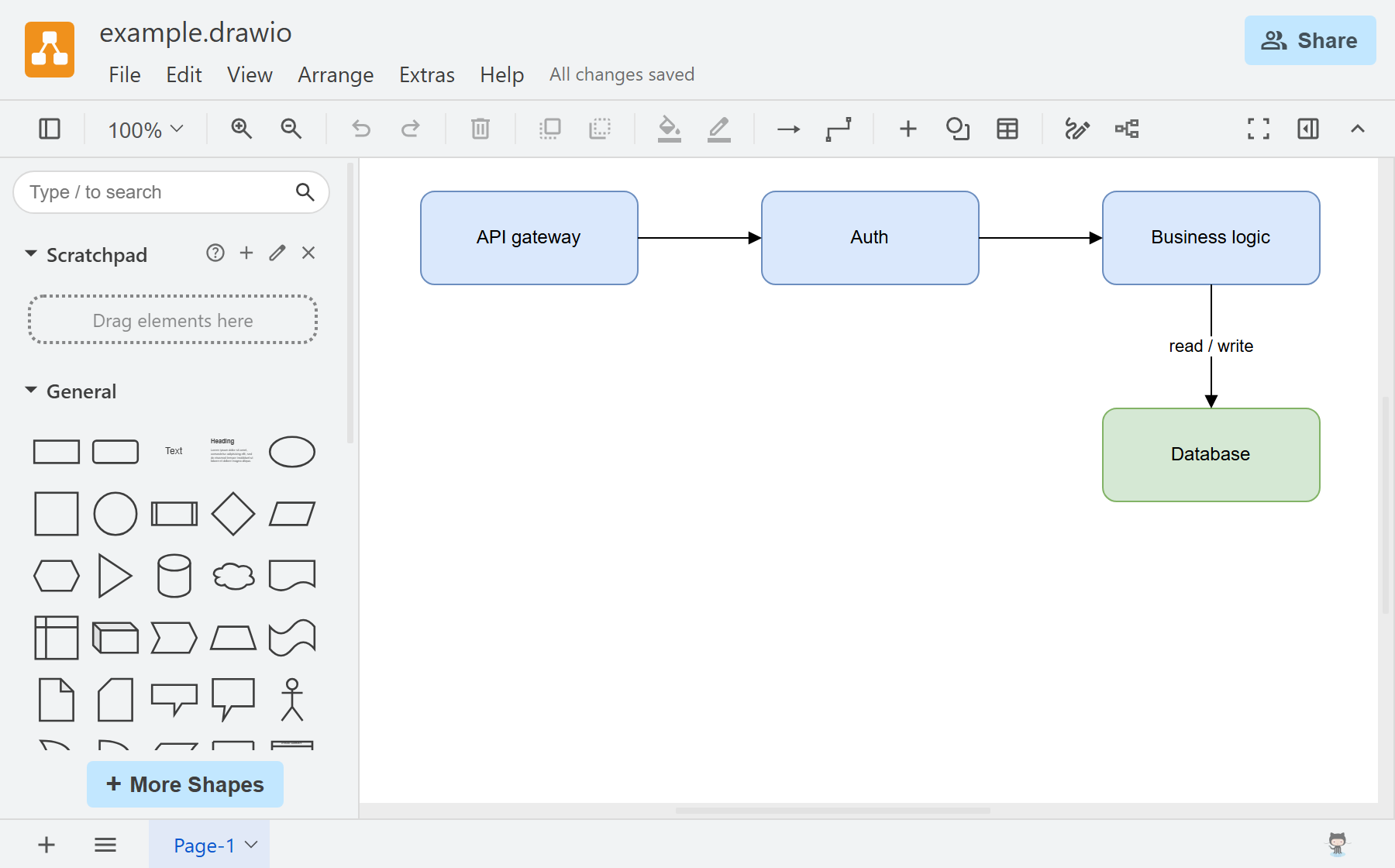
A trimmed upstream draw.io editor integrated into the DeepSeek Harness Web Sidebar, with offline .drawio editing and automatic saving back to the original file.
In the plugin list, display names and descriptions follow the Harness language setting in English or Chinese (English is the default fallback); English names use the package name without its npm scope, Chinese names describe the purpose, and installation still uses the unchanged real package name.
Install
npx @deepseek-ai/dsh plugin --profile web add @guowenzhang/dsh-drawioedit
Restart the host after installation.
What this plugin adds
- Sidebar integration: connects the upstream editor to the DSH file tree and sidebar tabs to edit workspace
.drawiofiles directly. Chinese file names display correctly, with no separate online editor or diagram upload required. - Package trimming: removes server-side Java resources, uncompressed development sources, specialist stencil packs, and their icons and templates. Rebuilds a trimmed stencil bundle and cleans the template index while retaining everyday drawing tools. The trimmed local package is 12.1 MB compressed / 42.7 MiB unpacked (
npm pack --dry-run; the published version may differ). - Automatic saving: bridges the editor to the host's file service, detects diagram changes, and writes them back to the original file without exporting, downloading, and replacing it manually. Saves run sequentially, retaining only the newest pending changes; the plugin's own line above the frame shows Saving… or Renaming… while one of those is in flight, and a landed write is confirmed by the editor's own toolbar instead, so nothing moves the editor as changes land.
- Permission and conflict protection: saves respect the session's workspace permissions and check file versions to avoid silently overwriting changes made by an agent or another program while the editor is open. Permission denials, version conflicts, and other save failures are shown in the tab, and a file the plugin could not read offers Retry in place.
- Offline operation: bundles the editor resources and disables cloud integrations, so startup does not load third-party services.
Usage
- Open a
.drawiofile from the file tree to enter the sidebar editor. - Edit the diagram. Changes are saved automatically to the original file; check the editor for its saved status.
- Save / Ctrl+S triggers a manual save, Save As renames the file in its current directory, and Export as downloads a copy.
Retained shapes and limitations
General and basic shapes, arrows, flowcharts, ER, UML, BPMN, DFD, C4, freehand drawing, and sketch styling are available. Specialist cloud and network stencil packs are excluded; diagrams using them may display incorrectly.
License
Apache-2.0. See NOTICE for bundled editor terms. Not affiliated with draw.io Ltd. Build and troubleshooting details are in AGENTS.md.