
 @yangyue1974
dsh-plugin-audiolib
Ambient soundtrack for DeepSeek Harness, driven by agent state. Streams 100k+ cleared tracks from AudioLib.ai — a track always finishes, so a state change never cuts one off.
- Stars
- 3
- Language
- TypeScript
- Created
- Aug 14, 2026
- Updated
- Aug 14, 2026
Introduction
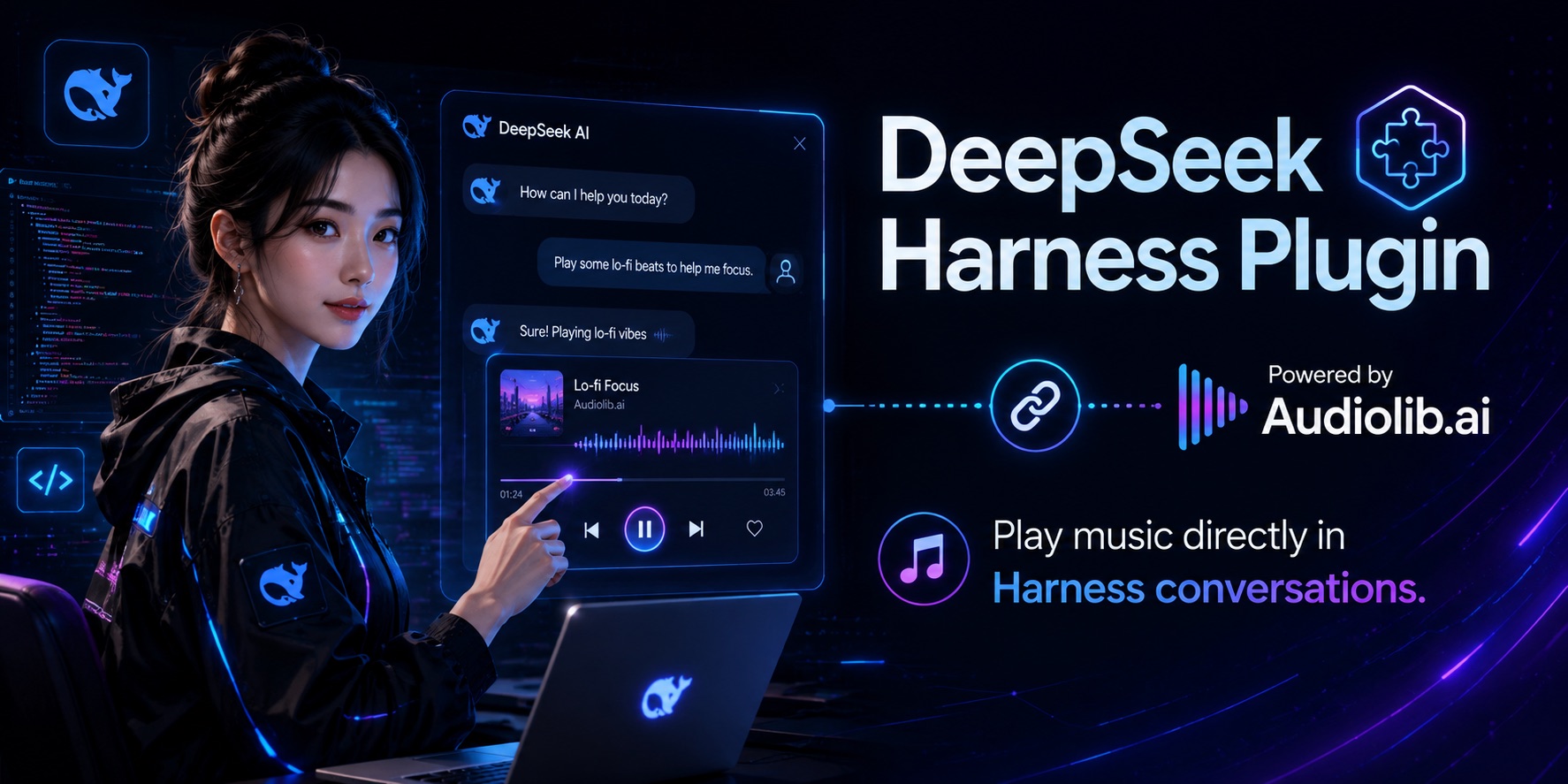
dsh-plugin-audiolib
English | 中文


An ambient soundtrack for DeepSeek Harness, driven by the agent's own state. Music comes from AudioLib.ai — 100,000+ fully-cleared tracks, one API call per track.
The agent already publishes everything needed as session events: a turn opens, work is happening; every turn closes, the room goes quiet. This plugin turns that stream into sound.
A track is never interrupted by a state change. Turns open and close far faster than a song lasts, so cutting mid-track reads as noise instead of feedback. The state you are in when a track ends decides what plays next. Only an explicit music_stop cuts playback, because silence requested is silence owed.
Install
If you installed DSH with npx @deepseek-ai/dsh web — no global install, the CLI lives inside the profile — then plain dsh is not on PATH; the shell answers command not found. Reach it through npx instead, and enable pnpm first: DSH manages profile plugins with pnpm and refuses without it.
corepack enable pnpm
npx @deepseek-ai/dsh plugin --profile web add dsh-plugin-audiolib
corepack ships with Node, so this adds no third-party global install, and corepack disable pnpm reverses it. Already have dsh on PATH some other way? dsh plugin --profile web add dsh-plugin-audiolib works the same.
Restart — npx @deepseek-ai/dsh web — then open Settings → Plugins → Plugin configuration and paste your key into the AudioLib soundtrack card. It goes to the DSH credential store (~/.dsh/.credentials.yaml, mode 600), never into a config file, and takes effect on the next track without a restart.
Get a key at audiolib.ai — the free tier is 300 requests/month.
The environment works too, if you prefer it:
export AUDIOLIB_API_KEY=alp_your_key
The card's library pickers are read-only for now: DSH serves only built-in plugins' settings sections to the browser (an allowlist in dsh-host-apiproxy, which its own comment marks as deferred work). Set the libraries in your profile's cordis.patch.yml until that lifts. The key control is unaffected — credentials are not namespace-gated.
Playback
Tracks stream: playback starts on the first buffered bytes, the way the AudioLib URL is meant to be consumed. That needs a player that reads a URL — mpv or ffplay, whichever is on PATH:
brew install mpv # or: apt install mpv
Without one, the plugin falls back to macOS's built-in afplay, which only reads local files. It then downloads each track ahead of the moment it is needed — a working fallback, but it spends several megabytes per track and stalls when switching libraries mid-session. Install a streaming player.
Configure
Override the row in your profile's cordis.patch.yml:
- id: audiolib
  name: dsh-plugin-audiolib
  config:
    workingLibrary: audio.focus
    idleLibrary: audio.ambient
| Field | Default | Meaning |
|---|---|---|
apiKeyRef | AUDIOLIB_API_KEY | Name of the credential holding the key — a reference, never the key itself |
baseUrl | https://api.audiolib.ai/v1/audio | Audio endpoint |
ambient | true | Let session events drive the soundtrack |
workingLibrary | audio.focus | Plays while a turn is open; '' for silence |
idleLibrary | '' | Plays once every turn has closed; '' for silence |
exposeTools | true | Give the model music_play / music_stop / music_status |
playerCommand | [] | Player argv; empty auto-selects. {url} declares a streaming player, {file} a file-only one |
requestTimeoutMs | 15000 | AudioLib request deadline |
The catalog has 25 libraries — audio.focus, audio.ambient, audio.cinematic, audio.jazz, audio.classical, audio.sleep, audio.meditation, audio.workout, audio.electronic and more. Any id the API accepts works; the full list ships in src/libraries.ts and in music_play's description.
Tools
music_play(library)— the model scores its own work. Takes effect at the next seam; starts immediately when nothing is playing.music_stop()— stops now and stays silent untilmusic_playis called again.music_status()— reports the playing track plus the AudioLib plan, remaining calls, and rate limit. Every audio response carries a quota snapshot, so this costs no API call.
Both are ordinary registrations on ctx.tools, so they are available in Code Mode as await tools.music_play({ library }) too.
music_play's choice lasts as long as the work does: when the last open turn closes, the soundtrack returns to idleLibrary. An explicitly chosen library scores the stretch of work it was chosen for.
When a request fails, transient causes — network, 5xx, timeout, rate limit — back off and retry indefinitely, so the music resumes on its own. A bad key, an exhausted period, a missing player, or an unreadable response pauses instead; music_status reports which, and a quota pause lifts by itself when the period rolls over.
How it works
| Piece | Extension point |
|---|---|
| Activity tracking | ctx.on('session/event') — turn/start / turn/end, counted per session |
| Model control | ctx.tools.register() with raw JSON-Schema definitions |
| Teardown | ctx.effect() — unloading the plugin kills the player and removes every temporary file |
The placeholder in playerCommand decides the playback mode. {url} hands the AudioLib URL straight to the player, which buffers as it plays — nothing is written to disk and a track begins as soon as its API call returns. {file} means the player cannot stream, so the plugin downloads each track to a private temporary directory first and removes it afterwards.
Either way the plugin fetches one track ahead: at load, so the first turn opens on the downbeat, and again when a track starts, so the seam has no gap. AudioLib calls are cheap, so a prefetch discarded by a state change costs nothing worth optimizing.
Develop
npm install
npm run build
Load a source checkout into a running harness without installing it:
# audiolib.overlay.yml
- insert:
    - id: audiolib
      name: '/absolute/path/to/dsh-plugin-audiolib/lib/index.js'
      config:
        workingLibrary: audio.focus
dsh web --patch ./audiolib.overlay.yml
License
MIT