
 @golddream-y
ratel-dsh-lumina
Customizable motion for DeepSeek Harness: composer glow, send transitions and streaming feedback, with per-effect controls and reduced-motion support.
- Stars
- 1
- Language
- TypeScript
- Created
- Oct 21, 2026
- Updated
- Oct 26, 2026
Introduction
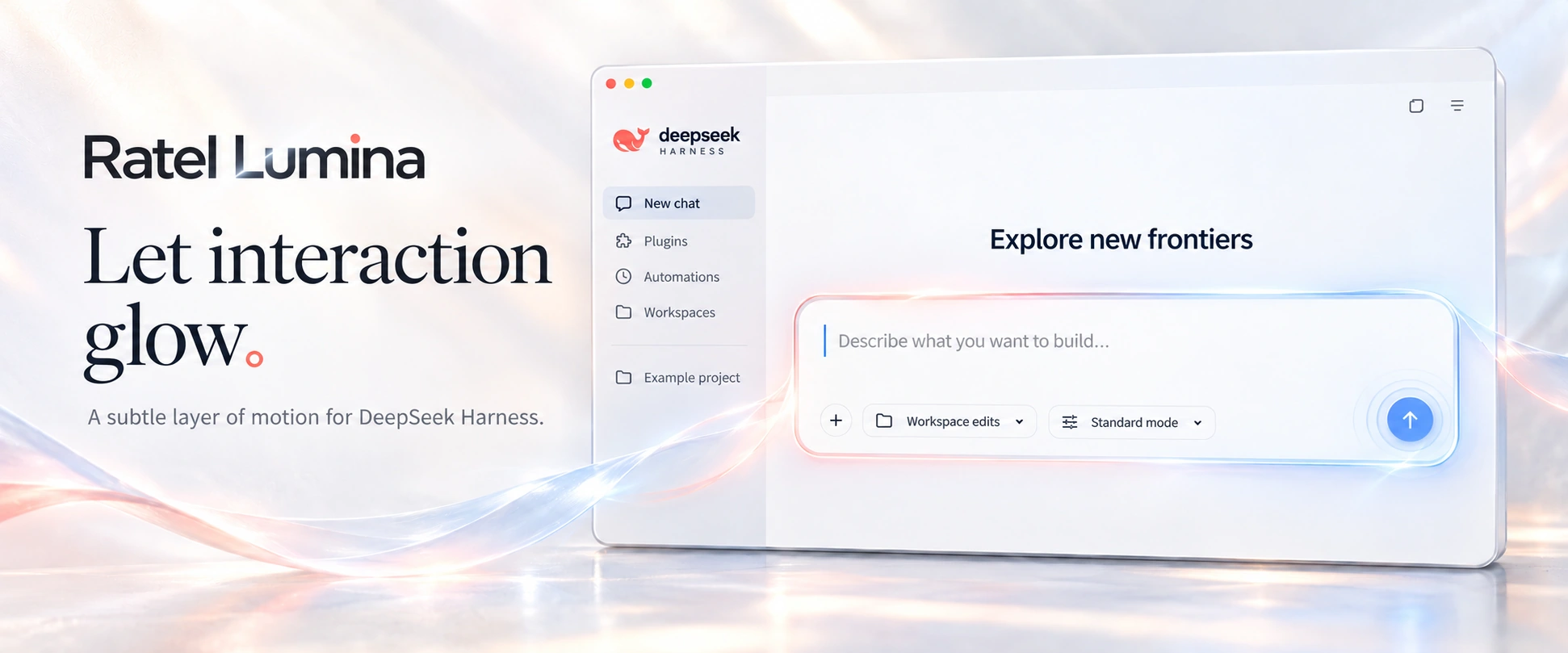
Ratel Lumina
English · 中文 · npm · Changelog
Let interaction glow.
A subtle layer of motion for DeepSeek Harness.
Ratel Lumina is a visual and motion enhancement plugin for DeepSeek Harness.
Works with the DSH desktop and Web / PWA clients. Adjust the motion to your preference or switch it off at any time.
Why Lumina
- A consistent experience. Coordinated motion adds detail to navigation, menus, dialogs, typing and sending.
- Control over the motion. Choose an intensity, color preset, performance profile and individual effects. Saved settings apply immediately.
- Your workflow stays intact. Lumina does not change models, requests or message content, delay submission, or block typing, clicking and selection.
- Lightweight and optional. Built with native browser capabilities, without an additional animation framework. A master switch turns it off, and system reduced-motion preferences are respected.
Install and update
Install DeepSeek Harness first, then add Lumina to the profile you use:
dsh plugin --profile <profile> add @ratel-works/dsh-lumina
Replace <profile> with your profile, such as desktop or web. Run the same command to update, then fully quit and reopen the client to load the new plugin code.
The latest required interface-marker check targets DSH 0.2.1-rc.3. Recheck compatibility after client updates; see the compatibility checks for their scope.
Settings
Open Lumina / 流光 in DSH settings to adjust effects, intensity, colors and performance. Saved changes apply immediately, without restarting.
Choose from Performance, Balanced, Quality and Ultra; Balanced is the default. Profiles adjust drawing frequency, resolution and detail independently of motion intensity. Hover or focus a profile button to see its parameters. Frame rates are limits, not guarantees, and depend on your device and display.
Turn off the master switch to restore the original interface. When system reduced motion is enabled, Lumina reduces or disables animations automatically.
Documentation and development
- Changelog: features, improvements and fixes in each release.
- Motion demos: interaction studies and design prototypes; these are not all shipped client effects.
- Implementation status: shipped features, verification scope and future work.
- Publishing and listing: npm releases and plugin-list submissions.
Local development checks:
npm install
npm run typecheck
npm test
npm run build
npm run install:local -- web
License
The project uses the MIT license. See THIRD_PARTY_NOTICES.md for third-party sources and additional license terms.
Brand assets
DeepSeek marks belong to their respective rights holders. This project does not claim ownership of those marks or grant brand usage rights under its MIT license. See third-party notices.