
 @JaMoLpE88
dsh-desktop-chat
Official DeepSeek Chat inside DSH Desktop: one sidebar panel, the real chat.deepseek.com page, and a session that survives restarts. No Electron internals, no chat reimplementation.
- Stars
- 0
- Language
- JavaScript
- Created
- Oct 24, 2026
- Updated
- Oct 25, 2026
Introduction
dsh-desktop-chat






Opens the official DeepSeek Chat web app (chat.deepseek.com) inside DeepSeek Harness Desktop, in the
center panel, through the desktop's native browser guest. One sidebar entry, the real page, and the session
survives closing the app.
Español → README.es.md
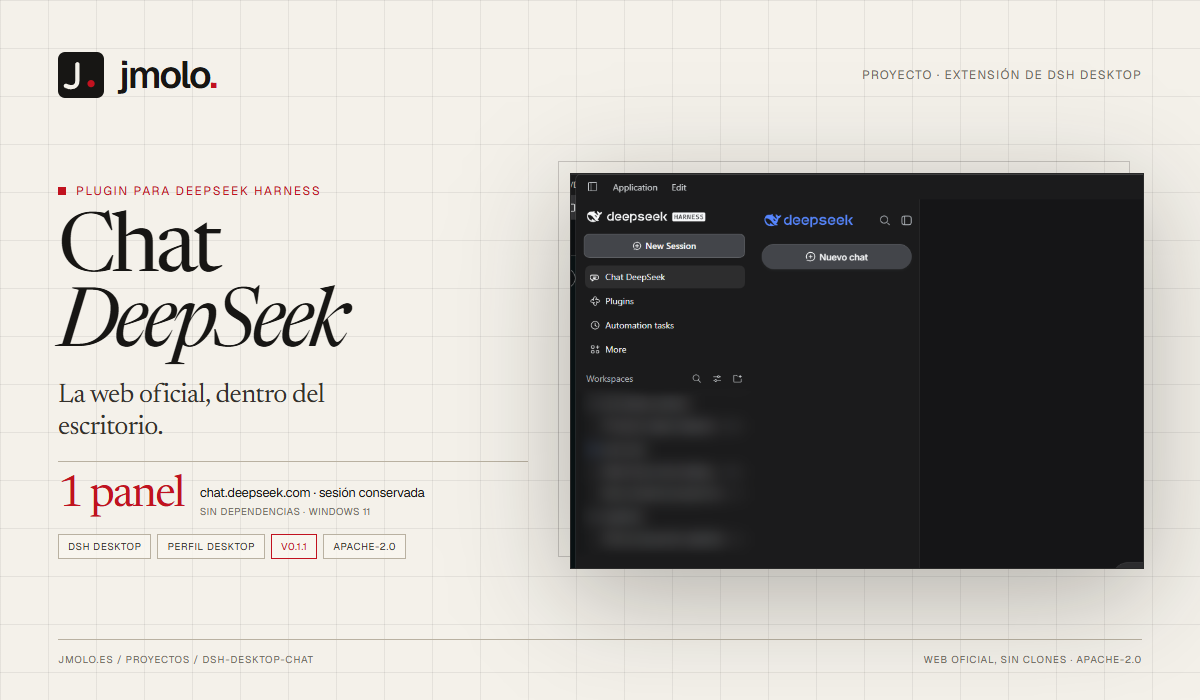
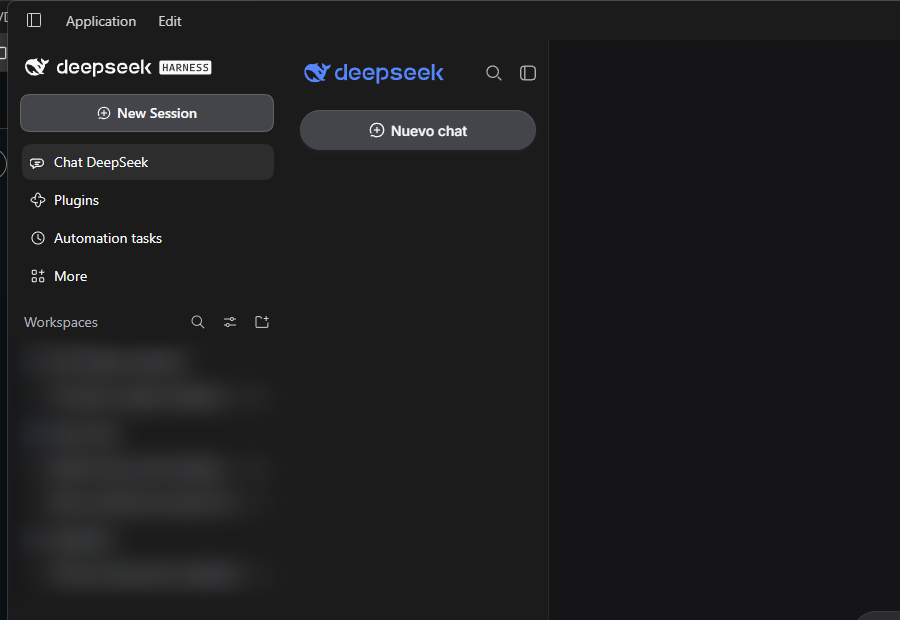
The entry registers as one more DSH panel. Icon, label and selected state belong to the shell; the plugin only provides the destination.
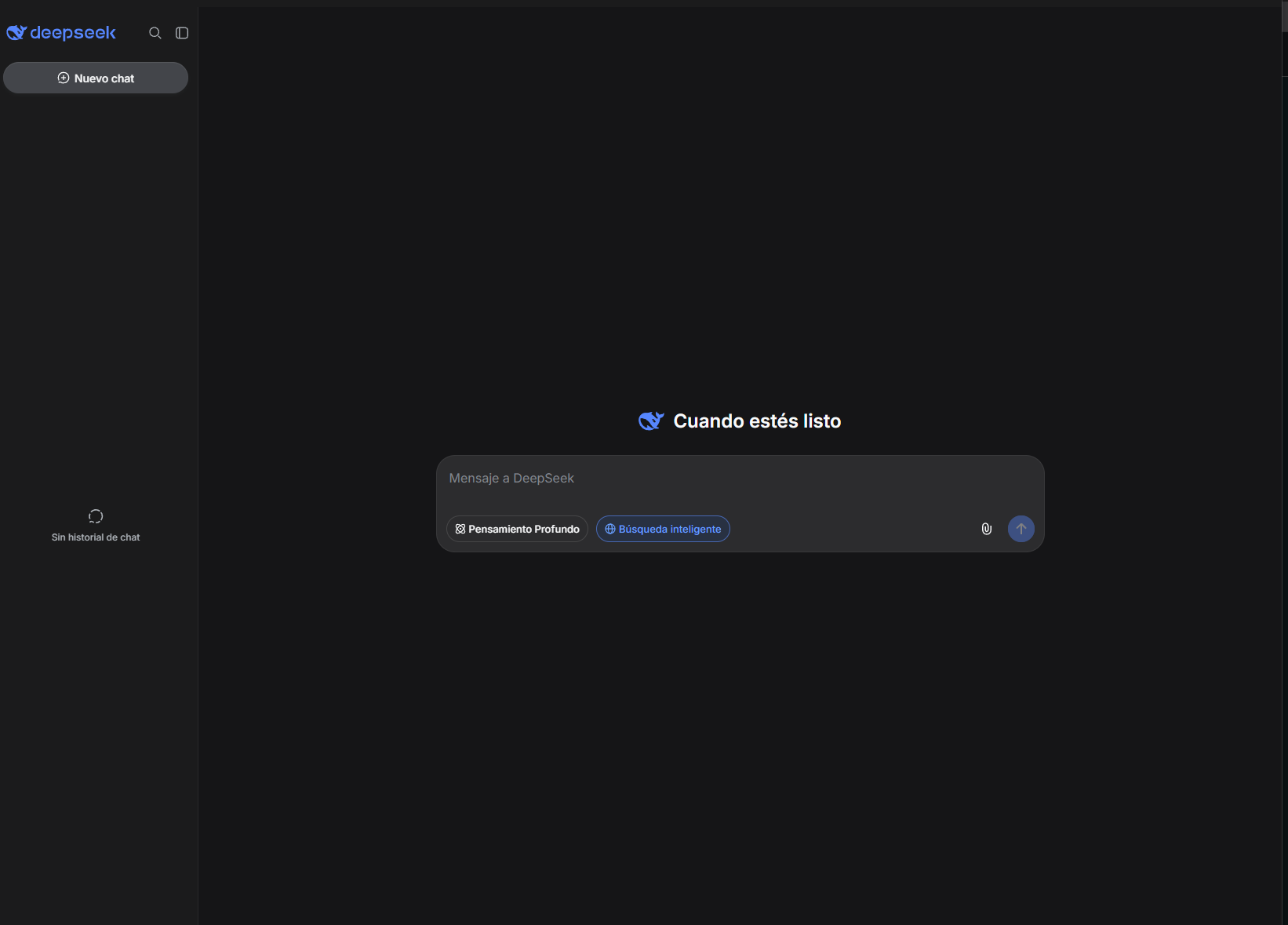
The official page inside the center panel: not a clone, not an iframe. The native guest keeps the session and the page state while you switch panels.
What it does
- Adds a Chat DeepSeek entry to the DSH Desktop sidebar.
- Renders
https://chat.deepseek.com/in the center panel, with the official interface untouched. - Restores the session on startup, so you do not sign in every time you open DSH.
- Keeps the page alive when you switch panels: hiding and reopening neither reloads it nor drops the login.
- Ships diagnostics (
GET /api/dsh-desktop-chat/state) and a route to forget the saved session.
What it does not do
- It does not reimplement the chat or replace the official site with its own interface.
- It does not turn DeepSeek into a model provider, an agent or an automation tool.
- It does not touch your existing DSH models, agents, plugins or providers.
- It does not store passwords, read your personal browser profile, or send credentials anywhere.
- It cannot keep
HttpOnlycookies: DSH does not expose a guest partition's cookie store to plugins.
Requirements
- DSH Desktop
>= 0.2.1-rc.3, profiledesktop(a plain web profile provides no native browser guest). - Windows 11 (tested); macOS and Linux untested.
- No runtime dependencies; no separate Node installation required.
Install
From npm:
dsh plugin --profile desktop add @jamolpe88/dsh-desktop-chat
From the repository:
dsh plugin --profile desktop add github:JaMoLpE88/dsh-desktop-chat
From a local checkout, while developing:
dsh plugin --profile desktop add C:\path\to\dsh-desktop-chat
Restart DSH Desktop after installing. The entry appears in the sidebar as Chat DeepSeek.
Usage
- Click Chat DeepSeek in the sidebar: the page loads in the center panel.
- Sign in once, manually, on the official site.
- Come back whenever you want (hiding and reopening the panel neither reloads the page nor signs you out).
- After restarting DSH, the plugin restores the page state before showing it: you should still be signed in.
If the sign-in screen appears after a restart, check the diagnostics below before signing in again: it will tell you whether the snapshot is being written, and why not.
What is kept and what is not
DSH Desktop gives every browser view a process-lifetime session partition (a new random name on each start). A plugin cannot change that, and there is no public API to read the partition's cookies. The session is therefore preserved at the page level:
| Data | Kept? | Where |
|---|---|---|
chat.deepseek.com localStorage (includes userToken) | Yes | %USERPROFILE%\.dsh\dsh-desktop-chat\session.json (or $DSH_HOME) |
Cookies the page can see (document.cookie) | Yes | same file |
HttpOnly cookies (WAF/Cloudflare: cf_clearance, aws-waf-token…) | No | unreachable from a plugin in this DSH |
| Passwords | Never | — |
Honest consequence: DeepSeek authenticates with the token in localStorage, so the session should survive.
Losing the WAF cookies may trigger an anti-bot check after a restart; that is up to the site, not the plugin.
Diagnostics
With DSH running, on the same URL as the interface (for example http://127.0.0.1:59863):
curl -H "x-dsh-desktop-chat: 1" http://127.0.0.1:59863/api/dsh-desktop-chat/state
It returns counts and booleans only, never credentials:
{
  "ok": true,
  "panelId": "deepseek-chat",
  "url": "https://chat.deepseek.com/",
  "session": {
    "file": "C:\\Users\\<user>\\.dsh\\dsh-desktop-chat\\session.json",
    "exists": true,
    "savedAt": "2026-10-25T09:12:44.120Z",
    "hasUserToken": true,
    "storageKeys": 24,
    "cookieBytes": 275
  },
  "last": { "restore": { "...": "..." }, "save": { "...": "..." } }
}
hasUserToken is the signal that matters: if it is false after signing in, saving is not reaching the Host
and the session cannot survive. last.save.diag reports why a save was skipped (not-ready, off-origin,
read-failed…). The port changes on every DSH start; take it from the interface URL.
Forget the session
Close the panel, and with DSH running:
curl -X POST -H "x-dsh-desktop-chat: 1" http://127.0.0.1:59863/api/dsh-desktop-chat/session/forget
That deletes the snapshot; the next start will ask for access again. Signing out on the website is also
detected and clears the snapshot. You can also delete ~/.dsh/dsh-desktop-chat/session.json by hand with
DSH closed.
How it works
- Host half (
lib/index.js, DSH Host process): registers four routes onctx.webServer, writes the snapshot atomically with user-only permissions, and never importselectron. Details and evidence in docs/architecture.md. - Browser half (
lib/client.js): registers the sidebar row (sidebar.panellist) and the panel (main) under one id, reserves a native guest, and keeps the<webview>outside the React tree so hiding the panel does not destroy it. - Restore: on the page's origin it writes
localStorageanddocument.cookie, reloads once, and from then on saves every 10 s and whenever the panel is hidden. - Guards: a save with no session cannot overwrite a snapshot that had one; an explicit sign-out does clear it.
Compatibility
| DSH | >= 0.2.1-rc.3 (the only version tested by the author) |
| Node | >= 22 |
| OS | Windows 11 (tested); macOS and Linux untested |
| Profile | desktop (the web profile has no native guest) |
| Catalog | listed on dsh-plugin.org |
@jaychang1989/dsh-webchat | not required; do not run both at once |
Validation status: tested on Windows 11 with DSH Desktop 0.2.1-rc.3 (2026-10-25). Manual sign-in in the panel, full DSH exit, restart, and the session was still active: on the new start the plugin restored 27 keys — token included — before loading the page, which opened without asking for credentials. Hiding and reshowing the panel keeps the same page (the guest is not remounted).
Not validated: macOS, Linux, other DSH versions, and the behaviour if DeepSeek starts requiring HttpOnly
cookies.
Development
node --test
The tests cover the Host half (routes, snapshot, guards, diagnostics without secrets) and the browser half (slot registration, guest reservation, restore, hide without unmount) against a simulated DOM.
Attribution and license
An independent implementation, inspired by jaychang1989/dsh-webchat and its predecessor xmuwenxiang/dsh-web-chat, both Apache-2.0. What was reused (concepts, not code) is listed in NOTICE.