
 @Adolanium
dsh-phone
The real DeepSeek Harness Desktop UI on your iPhone, over Tailscale. No second Host, no reimplementation.
- Stars
- 0
- Language
- JavaScript
- Created
- Oct 17, 2026
- Updated
- Oct 17, 2026
Introduction
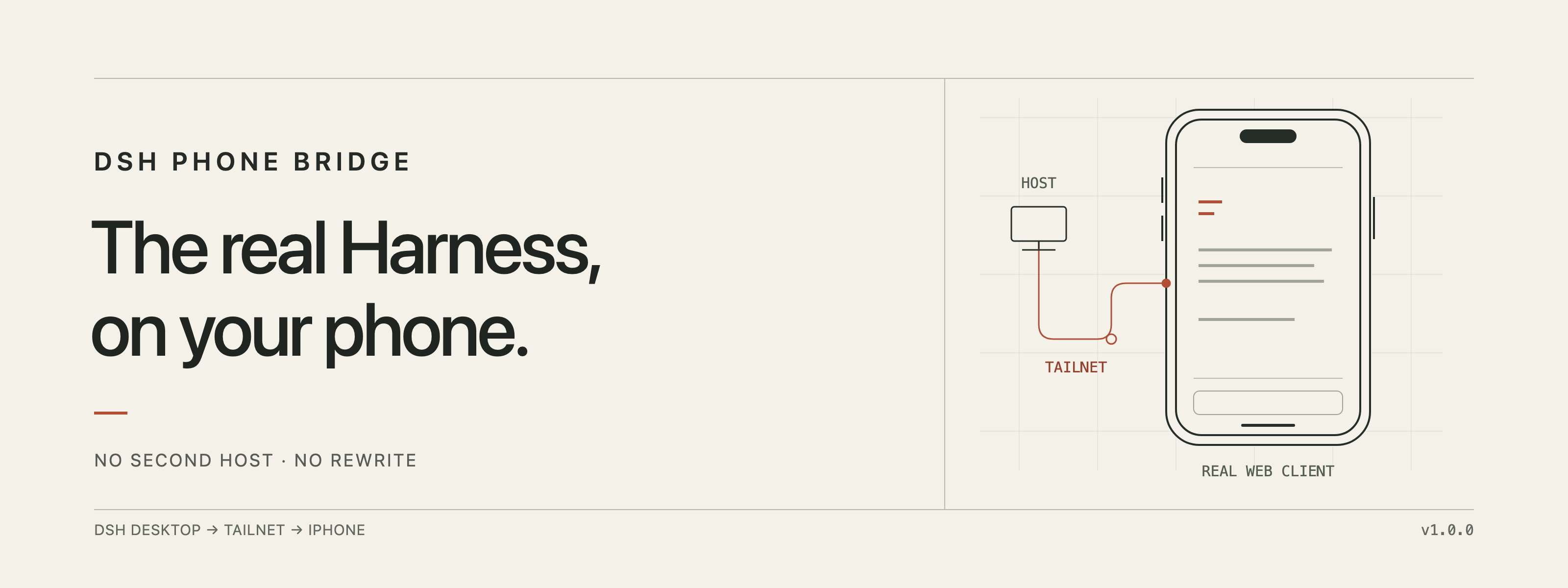
DSH Phone Bridge
The real DeepSeek Harness UI. On your iPhone. Over Tailscale.





DSH Phone Bridge is a small Host plugin plus a SwiftUI iPhone app that opens the real DeepSeek Harness Desktop UI on your phone. It does not run a second Host, copy your sessions, or reimplement the client. The Desktop Host remains the only writer; the phone is a secure window into it.
Tailscale is the network boundary. The bridge opens exactly one listener on a
100.64.0.0/10 address, gates it with a paired-device cookie, and reverse-proxies
HTTP and WebSocket traffic into the Host's existing loopback server.
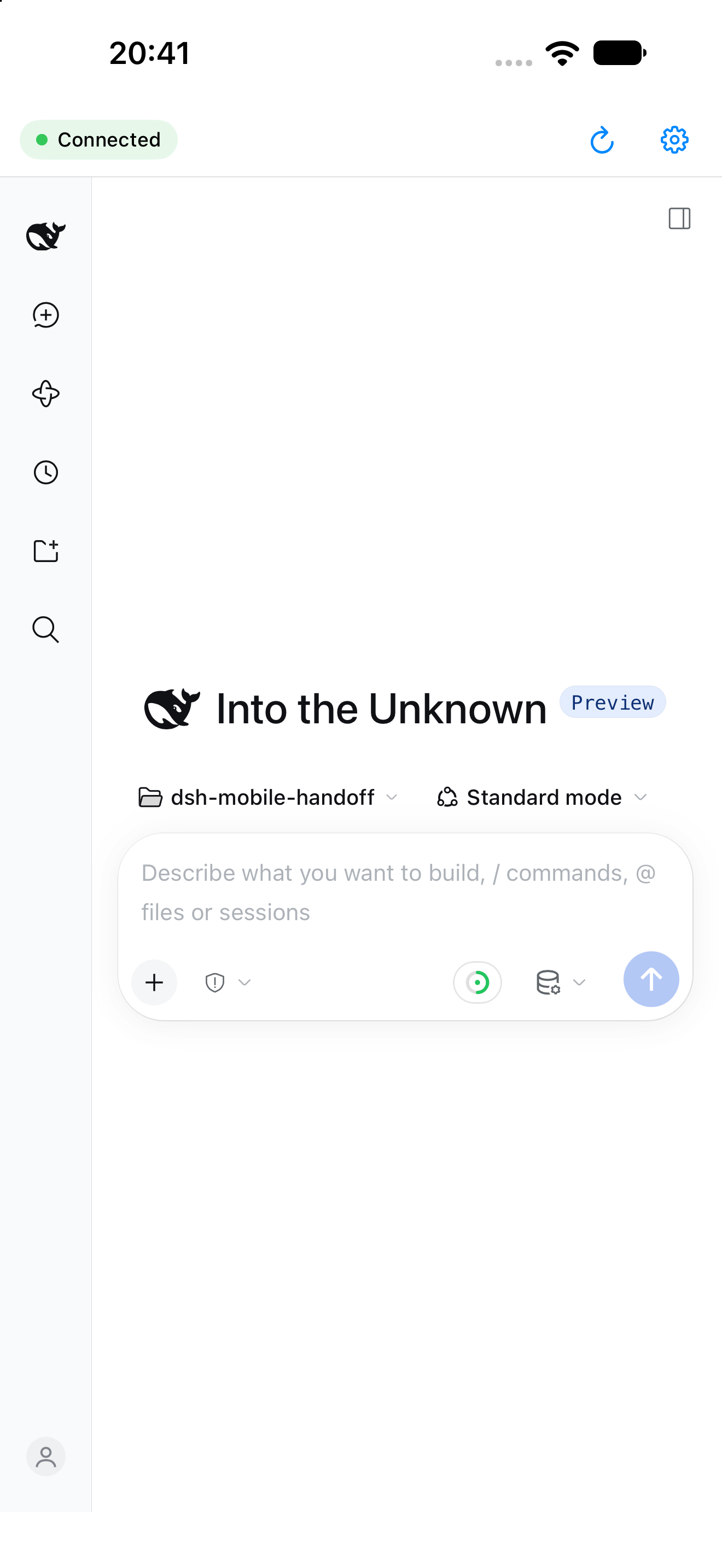
The real web client, rendered by the iPhone app and connected to the desktop Host.
Why this exists
The shipped DSH web client already knows how to render sessions, tools, terminal output, approvals, plans, jobs, and subagents. Rebuilding that on iOS would be a permanent catch-up game. Running a second Host on the tailnet would create a second writer and a different profile.
So the bridge does the smallest useful thing:
- one Host, the one you already use;
- one tailnet listener, bound to one address;
- one real UI, rendered in
WKWebView; - one device credential, stored in the iPhone Keychain.
What you get
- The real client. No native reimplementation, no reduced “mobile mode.”
- Tailscale-only by construction. No
0.0.0.0, no LAN fallback, no public port. Startup refuses anything outside100.64.0.0/10. - Pair once. Scan a QR in Settings → Phone. Manual code and paste-link fallbacks are built in.
- Fast, clean revocation. Revoking a device invalidates its next request immediately and closes every WebSocket it owns.
- A phone that behaves like a console. Foreground reconnect, offline banner, reload, and a settings sheet with live diagnostics.
- No launch token on the phone. The Host launch token never leaves the desktop process; the Host cookie is injected only on the loopback side.
How it works
┌──────────────────────────────┐
│ iPhone                        │
│ SwiftUI shell + WKWebView     │
│ dsh-phone cookie in Keychain  │
└──────────────┬───────────────┘
               │ Tailscale (WireGuard)
               ▼
┌──────────────────────────────┐
│ Host plugin                  │
│ 100.64.x.x:8787              │
│ device-cookie gate           │
│ HTTP + WebSocket reverse     │
│ proxy, header rewriting      │
└──────────────┬───────────────┘
               │ loopback only
               ▼
┌──────────────────────────────┐
│ Running DSH Desktop Host     │
│ sessions, tools, approvals   │
└──────────────────────────────┘
The phone never sees the Host's loopback port, launch token, or dsh-auth-…
cookie. The plugin replaces the phone cookie with the Host cookie on the way in,
and strips every Set-Cookie on the way out.
Install
1. Host plugin
git clone https://github.com/Adolanium/dsh-phone.git
cd dsh-phone
sh scripts/install-dev.sh
Restart DeepSeek Harness when no turn or job is running. Open Settings → Phone. The page shows the tailnet address, a live QR, the pairing code, the device list, and diagnostics.
Windows PowerShell equivalents are in scripts/install-dev.ps1 and
scripts/uninstall-dev.ps1; they are provided but have not been exercised on
Windows.
2. iPhone app
cd apps/ios
open DSHPhone.xcodeproj
Set your Apple team in Signing & Capabilities, choose your iPhone, and Run. The app targets iOS 17+ and has no third-party dependencies.
For the Simulator:
xcodebuild \
  -project DSHPhone.xcodeproj \
  -scheme DSHPhone \
  -sdk iphonesimulator \
  -destination 'platform=iOS Simulator,name=iPhone 18 Pro Max,OS=27.0' \
  -derivedDataPath build \
  build
See apps/ios/README.md for signing, Simulator pairing, and the debug launch seams.
3. Pair
- Open Settings → Phone in DSH.
- In the app, point the camera at the QR.
- Or enter the 8-character code manually, or paste a
dshphone://pairlink.
The QR code is single-use and expires after 120 seconds. The resulting device cookie is stored in the Keychain and in WebKit's cookie store.
Security model
| Property | How it is enforced |
|---|---|
| Tailscale-only | Listener binds one asserted 100.64.0.0/10 address; no wildcard or loopback fallback |
| No public exposure | No Funnel, no port forwarding, no LAN bind |
| Launch token never leaves the Host | Minted in-process; used only for the loopback cookie exchange |
| Host cookie never reaches the phone | Injected upstream; every upstream Set-Cookie stripped |
| Device credential at rest | 32 random bytes; only a SHA-256 hash is stored on the Host |
| Pairing codes | 8 Crockford base32 characters; 120 s; single use; hashed in memory; rate-limited |
| Admin surface | Loopback-only, x-dsh-phone-admin: 1, known Origin, no CORS |
| Revocation | Next request is 401; upgraded sockets are destroyed immediately |
| Phone storage | Device cookie in the Keychain; no token in UserDefaults or URLs |
| Pairing page | Code travels in the URL fragment, never in a request line or log |
Inside the repo
apps/ios/                  SwiftUI app, Xcode project, tests
packages/dsh-plugin-phone-bridge/
  lib/                     Host plugin, proxy, pairing, QR, Settings UI
  test/                    80 node:test cases
scripts/                   install/uninstall for macOS/Linux and Windows
docs/banner.png            README hero
Development
node --test packages/dsh-plugin-phone-bridge/test
# tests 80, pass 80

cd apps/ios
xcodebuild \
  -project DSHPhone.xcodeproj \
  -scheme DSHPhone \
  -sdk iphonesimulator \
  -destination 'platform=iOS Simulator,name=iPhone 18 Pro Max,OS=27.0' \
  -derivedDataPath build \
  test
# 5 PairingLink tests, 5 pass
The plugin has no runtime dependencies. The iOS app has no third-party dependencies. The plugin's tests run without a tailnet, using a mock upstream.
Status
1.0.0. Verified on macOS 27 with a physical iPhone 14 Pro Max (iOS 27.0.1) and the iOS 27 Simulator.
Known limits:
- The listener port is configured in the profile (default
8787), not exposed in the app. - No push notifications yet; approvals appear when the app is foregrounded.
- Windows installers exist but are unexercised.
- Forced Tailscale outage and host sleep/wake are not part of the automated test suite.
License
MIT © Adolanium